

As an audio enthusiast, maximizing your music player’s sound quality is essential for experiencing the full depth and richness of your favorite tracks. Whether you are a casual listener or a seasoned audiophile, understanding how to optimize your music player’s performance can significantly enhance your listening experience. In this guide, we will delve into expert tips to help you unlock the true potential of your music player.
In this article you will find:
- Invest in High-Quality Audio Files
- Use a Dedicated Headphone Amplifier
- Optimize Your Music Player's Settings
- Use High-Quality Cables and Connectors
- Consider External Digital-to-Analog Converters (DACs)
- Regularly Update Firmware and Software
- Conclusion
Invest in High-Quality Audio Files
One of the key factors in maximizing your music player’s sound quality is the quality of the audio files you are playing. Opt for lossless formats such as FLAC or WAV over compressed formats like MP3, as they retain more audio data and provide superior sound reproduction. While high-quality audio files may take up more storage space, the improved listening experience they offer is well worth the investment.
Use a Dedicated Headphone Amplifier
If your music player supports it, consider using a dedicated headphone amplifier to drive your headphones or earphones. A headphone amplifier can provide more power and better control over the audio signal, resulting in improved clarity, dynamics, and detail in your music. Pairing your music player with a high-quality headphone amplifier can elevate your listening experience to new heights.
Optimize Your Music Player’s Settings
Take the time to explore and customize your music player’s settings to suit your preferences and the capabilities of your audio hardware. Adjust the equalizer settings, sound enhancements, and output options to achieve the optimal sound signature that best complements your audio equipment and listening environment. Experiment with different settings to find the perfect balance of bass, treble, and overall tonal quality.
Use High-Quality Cables and Connectors
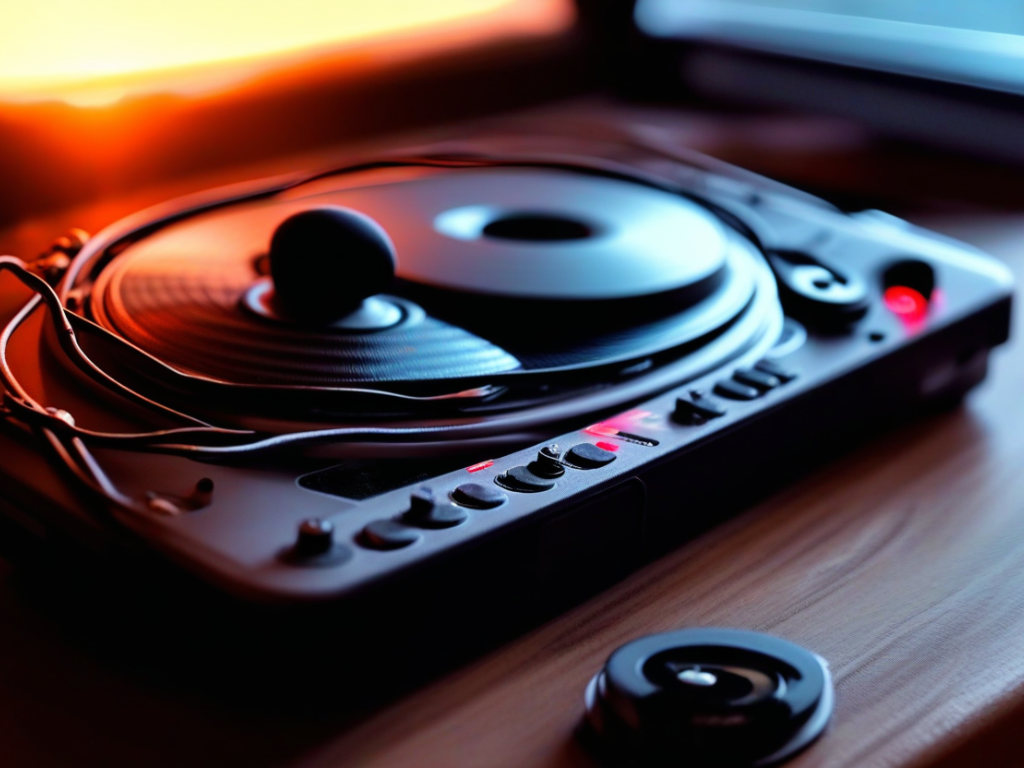
The cables and connectors you use to connect your music player to your headphones, speakers, or external amplifiers can have a noticeable impact on sound quality. Investing in high-quality audio cables and connectors with good shielding and low impedance can help minimize signal loss, interference, and distortion, resulting in cleaner and more accurate audio reproduction. Pay attention to cable materials, connectors, and cable lengths for optimal performance.
Consider External Digital-to-Analog Converters (DACs)
If you are looking to further enhance your music player’s sound quality, consider using an external digital-to-analog converter (DAC) for improved audio processing and conversion. A high-quality DAC can provide better resolution, dynamic range, and overall audio clarity compared to the built-in DAC of your music player. Connect an external DAC to your music player for superior audio performance, especially when playing high-resolution audio files.
Regularly Update Firmware and Software
Keep your music player’s firmware and software up to date to ensure optimal performance and compatibility with the latest audio technologies and enhancements. Manufacturers often release updates that can improve sound quality, fix bugs, and introduce new features that enhance your overall listening experience. Check for firmware and software updates regularly to stay current with the latest improvements for your music player.
Conclusion
By following these expert tips, you can maximize your music player’s sound quality and immerse yourself in a more engaging and lifelike listening experience. Experiment with different settings, accessories, and audio file formats to discover the combination that best suits your preferences and audio equipment. With a bit of exploration and fine-tuning, you can unlock the full potential of your music player and enjoy your favorite music like never before.