

As an audio enthusiast who always seeks the best sound quality on the go, maximizing battery life on your portable music player is crucial for uninterrupted listening pleasure. Whether you’re a casual listener or a dedicated audiophile, understanding how to optimize your music player’s battery performance can enhance your overall music experience. Let’s delve into some practical tips and techniques that will help you get the most out of your device’s battery life.
In this article you will find:
- 1. Screen Brightness and Timeout Settings
- 2. Disable Unnecessary Features
- 3. Optimize Audio Settings
- 4. Firmware Updates and Battery Maintenance
- 5. External Battery Packs and Power Saving Modes
1. Screen Brightness and Timeout Settings
One of the easiest ways to conserve battery power on your portable music player is to adjust the screen brightness and timeout settings. Lowering the screen brightness and setting the screen timeout to a shorter duration can significantly reduce battery consumption. Consider dimming the screen when not in use or switching off the display entirely during audio playback to extend battery life.
2. Disable Unnecessary Features
Many portable music players come equipped with various features like Bluetooth, Wi-Fi, EQ settings, and background apps that can drain battery life unnecessarily. If you’re not using these features, consider disabling them to conserve power. Turning off unnecessary features when not in use can help prolong your music player’s battery longevity.
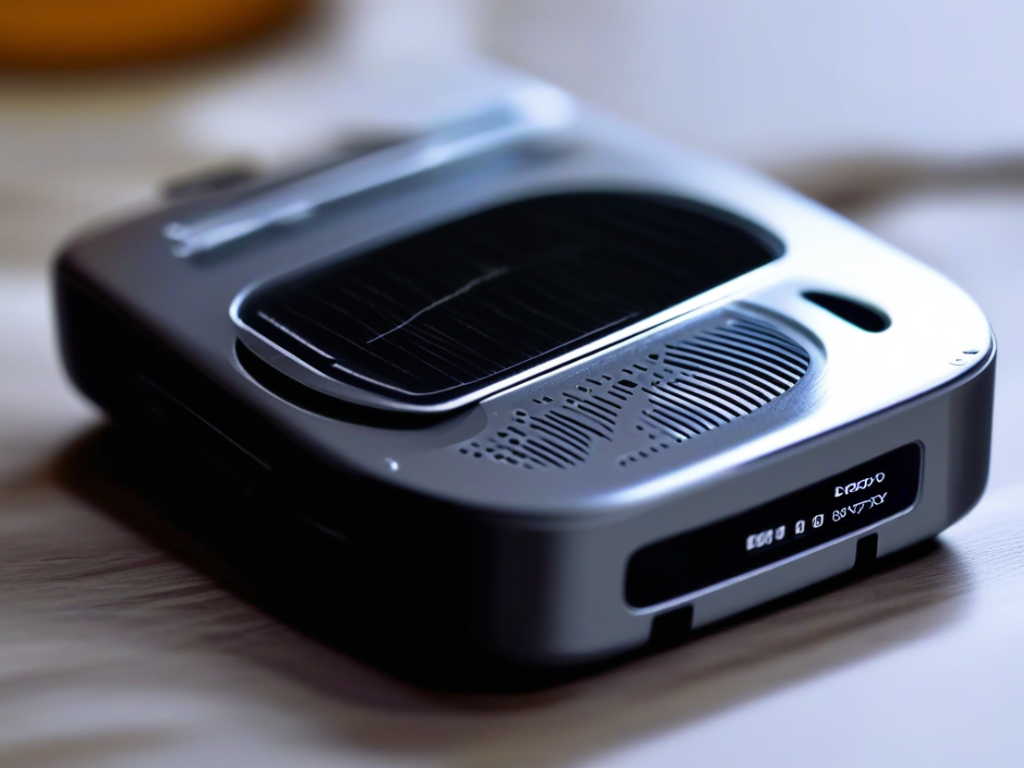
3. Optimize Audio Settings
Adjusting audio settings such as volume levels and EQ presets can impact battery life on your portable music player. Higher volume levels require more power to drive the audio output, leading to faster battery drain. Consider using moderate volume levels and optimizing EQ settings to strike a balance between audio quality and power consumption.
4. Firmware Updates and Battery Maintenance
Keeping your music player’s firmware up to date can sometimes improve battery efficiency by addressing performance optimizations and bug fixes. Additionally, proper battery maintenance practices such as not overcharging or letting the battery drain completely can help preserve its overall lifespan. Following manufacturer recommendations for battery care can ensure long-term battery health.
5. External Battery Packs and Power Saving Modes
For extended listening sessions on the go, consider investing in an external battery pack or portable charger to keep your music player powered up. Some music players also come equipped with power-saving modes or eco-friendly settings that automatically adjust performance to conserve battery life. Utilize these features when necessary to maximize battery efficiency.
By implementing these strategies and adopting mindful usage habits, you can effectively maximize battery life on your portable music player while enjoying high-quality audio playback. Remember, a well-preserved battery not only enhances your listening experience but also prolongs the lifespan of your favorite music companion. So, go ahead, optimize your device’s battery performance, and immerse yourself in the world of crystal-clear sound wherever you go.