

In the ever-evolving landscape of audio technology, music players play a pivotal role in shaping our listening experiences. Whether you are a devoted audiophile or a casual music enthusiast, optimizing your music player can significantly enhance the way you engage with your favorite tunes. By delving into the intricacies of audio settings, file formats, and hardware capabilities, you can unlock the full potential of your music player. Let’s explore some tips to help you elevate your listening experience to new heights.
In this article you will find:
- Choose the Right File Format
- Quality Audio Files Matter
- Optimize Your Equalizer Settings
- Consider External DACs and Amplifiers
- Update Firmware and Software
- Final Thoughts
Choose the Right File Format
One of the first considerations when optimizing your music player is choosing the right file format for your audio files. Lossless formats like FLAC or ALAC preserve the original quality of the recording, ensuring a high-fidelity listening experience. While they may occupy more storage space compared to compressed formats like MP3, the trade-off in sound quality is often worth it. If storage is a concern, consider using high-quality compressed formats like AAC or MP3 at a higher bitrate to strike a balance between sound quality and file size.
Quality Audio Files Matter
Investing in high-quality audio files can make a significant difference in the way your music sounds. Source your music from reputable platforms that offer lossless or high-bitrate options to ensure you are starting with the best possible audio quality. Streaming services like Tidal or Deezer HiFi provide lossless audio streaming for an immersive listening experience. Additionally, consider purchasing physical copies of albums or vinyl records for a truly authentic sound that digital formats might not fully capture.
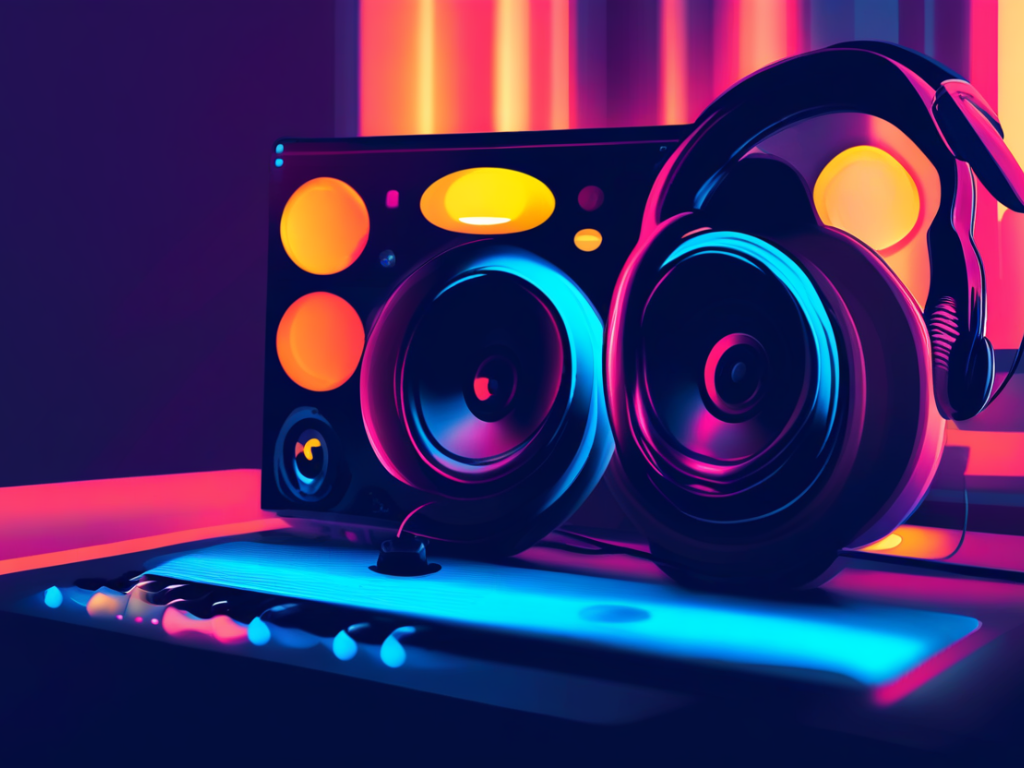
Optimize Your Equalizer Settings
The equalizer settings on your music player allow you to fine-tune the audio output to suit your preferences and the characteristics of your headphones or speakers. Experiment with different equalizer presets or customize your own settings to enhance the bass, midrange, or treble frequencies according to your liking. Keep in mind that overly boosting certain frequencies can lead to distortion, so aim for a balanced and natural sound signature that complements your music collection.
Consider External DACs and Amplifiers
For audiophiles seeking to extract the highest quality audio from their music player, investing in an external digital-to-analog converter (DAC) and amplifier can be a game-changer. These devices bypass the internal sound processing of your player, delivering cleaner audio signals to your headphones or speakers. Brands like Audioquest, FiiO, and Schiit Audio offer a range of DACs and amplifiers to suit different budgets and preferences, elevating your listening experience to a new level of clarity and detail.
Update Firmware and Software
Regularly updating the firmware and software of your music player is essential to ensure optimal performance and compatibility with the latest audio formats and features. Check for firmware updates on the manufacturer’s website or through the music player’s app to stay current with improvements in audio processing, user interface enhancements, and bug fixes that can enhance your overall listening experience.
Final Thoughts
Optimizing your music player is a journey of discovery that can lead to profound improvements in how you enjoy your favorite music. By paying attention to file formats, audio quality, equalizer settings, external hardware options, and software updates, you can tailor your listening experience to suit your preferences and elevate every note to its fullest potential. Embrace the possibilities that modern audio technology offers, and embark on a sonic adventure that transcends the ordinary and immerses you in the rich tapestry of sound.